cloudea
Cloudea File Management Dashboard
What Is This System?
Cloudea is a Laravel-based file management dashboard built for admins.
The system allows admins to:
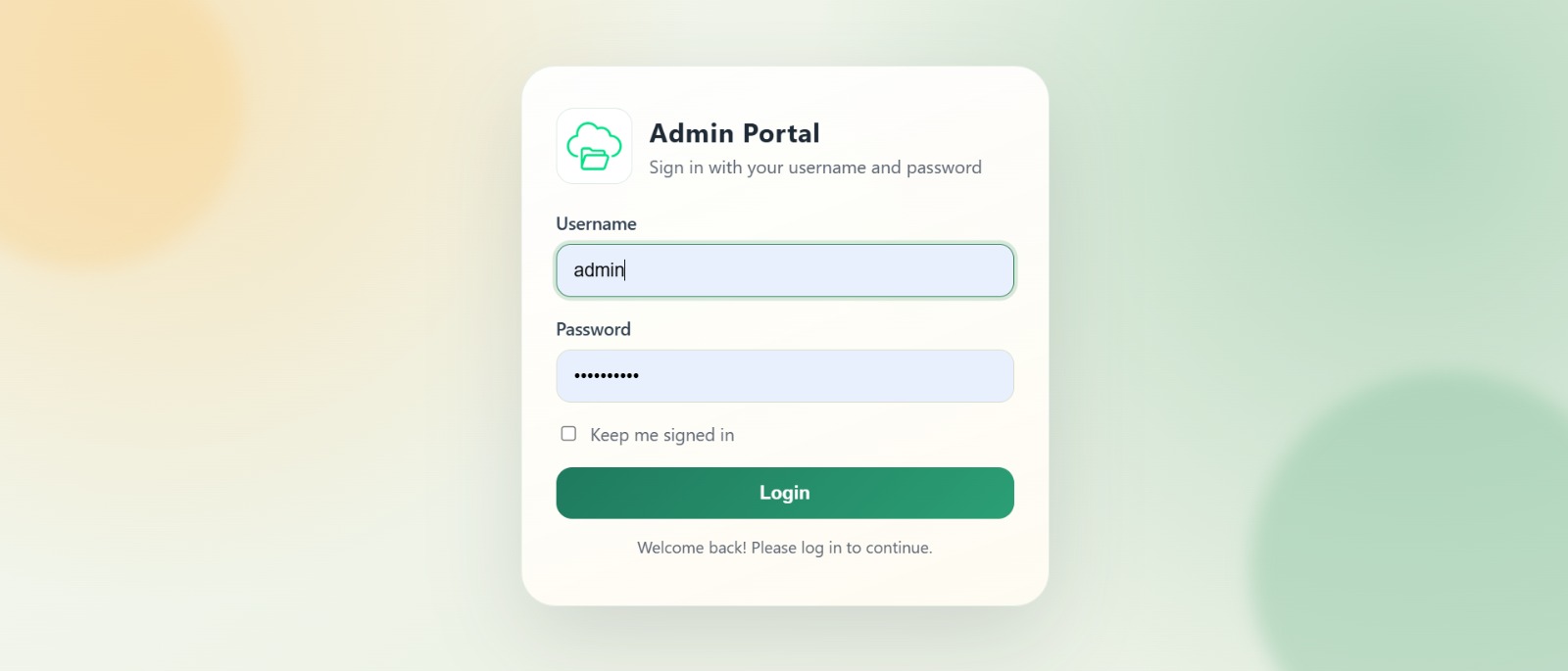
- Sign in through an admin login page.
- Upload files from a modern file center (drag and drop supported).
- Organize and browse uploaded files from the folders page.
- Create secure share links for files.
- Control sharing rules (expiration date and max downloads).
- Open public share links through token-based URLs.
Main Modules
- Authentication
- Admin login using username and password.
- Redirects authenticated user to dashboard.
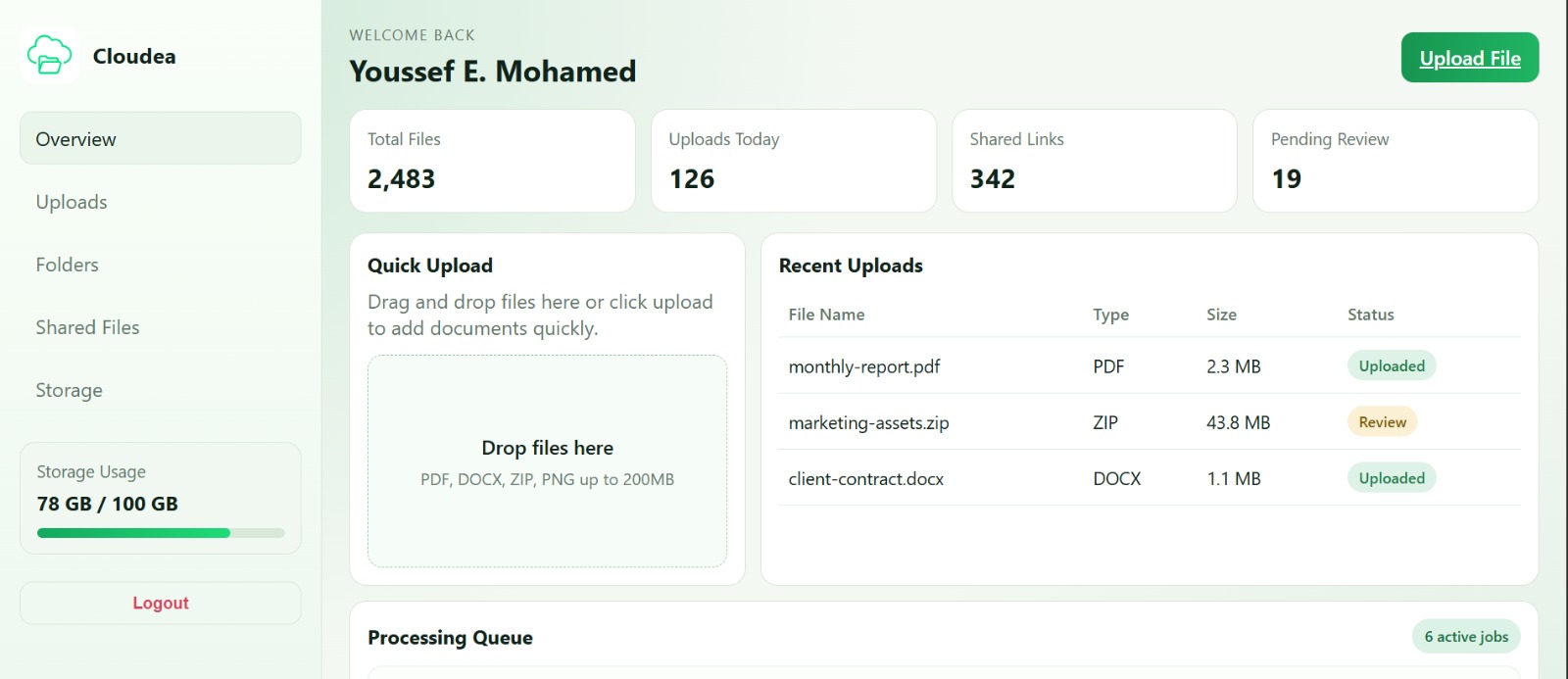
- Dashboard
- Main landing page after login.
- Navigation to File Center, Folders, and Shared Files.
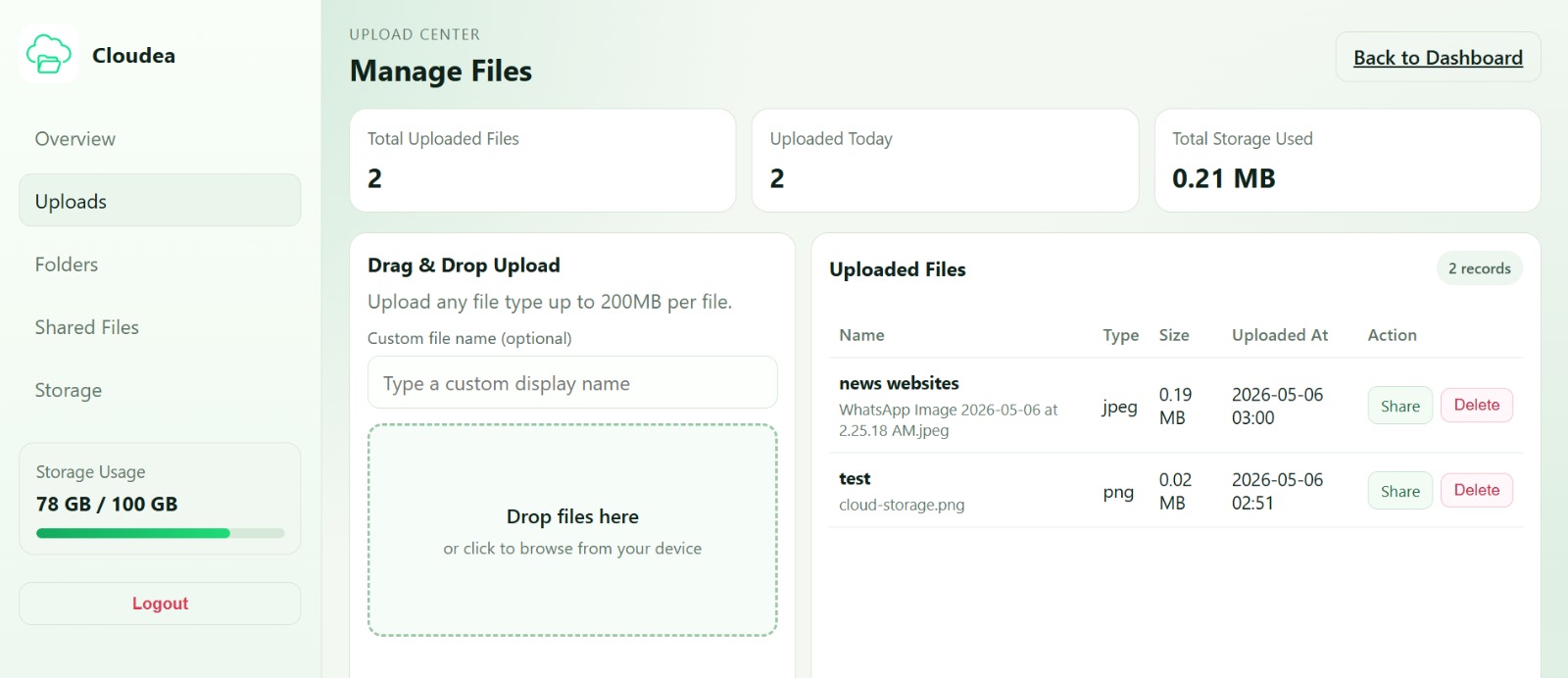
- File Center
- Upload files and track upload details.
- Delete files.
- Start sharing flow for uploaded files.
- Folders
- Filter and search uploaded files.
- Quick preview and quick delete actions.
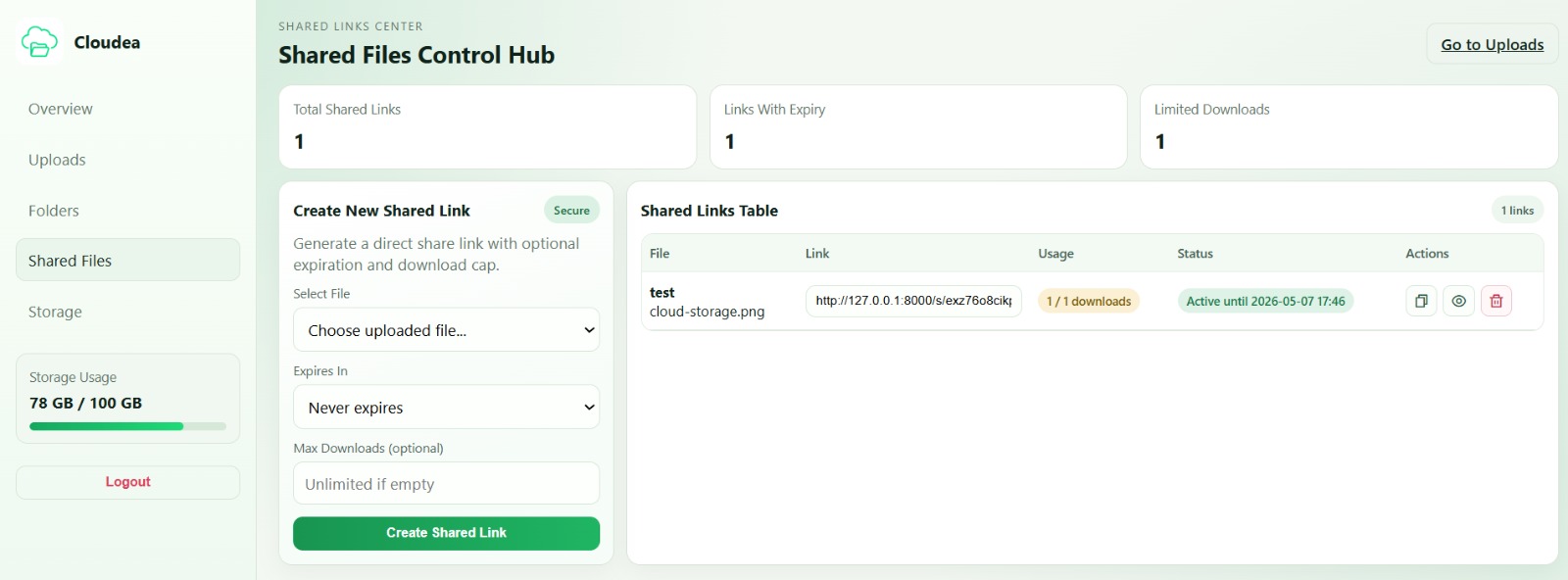
- Shared Files
- Create managed sharing links.
- Set optional expiration and maximum download count.
- Track usage through download count.
Default Admin Login
Use these credentials to access the dashboard after database seeding:
- Username:
admin - Password:
admin12345
Project Setup (Step by Step)
-
Clone or download the project.
-
Install PHP dependencies:
composer install
- Install Node dependencies:
npm install
- Create environment file:
copy .env.example .env
- Generate app key:
php artisan key:generate
Database Setup (Step by Step)
-
Create a MySQL database (example name:
cloudea). -
Open
.envand configure database values:
DB_CONNECTION=mysql
DB_HOST=127.0.0.1
DB_PORT=3306
DB_DATABASE=cloudea
DB_USERNAME=your_mysql_username
DB_PASSWORD=your_mysql_password
- Run migrations and seeders:
php artisan migrate --seed
- Create storage symbolic link:
php artisan storage:link
Run The Project
- Start Laravel server:
php artisan serve
- Start Vite dev server (in another terminal):
npm run dev
- Open in browser:
http://127.0.0.1:8000/login
Project Preview
Logo

Screenshot 1
Screenshot 2
Screenshot 3
Screenshot 4
Built with care to make file management simple, fast, and clean. Green vibes always. 💚